 Pose Pro
Coming soon to the App Store
Pose like a pro.
A live coach in your camera shows you exactly how to stand, where the light is, and snaps the shot when you nail it. Then see yourself in new poses with AI. Same you, new poses.
- Live pose coaching on your phone
- 60+ poses for solo, couples and groups
- AI pose ideas from your own photo
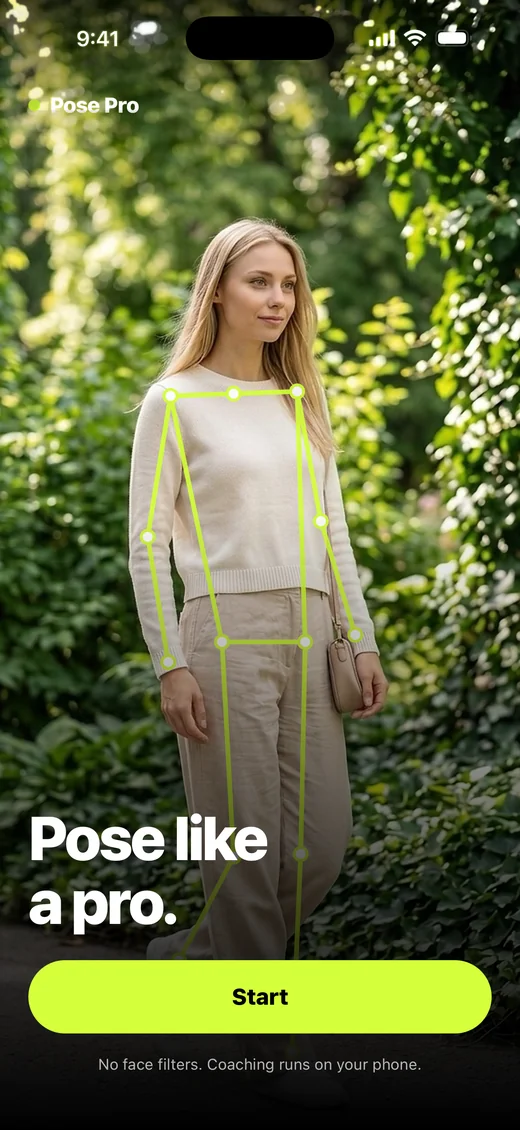
How it works
One photo at the Taj Mahal. Same outfit, same place. Only the pose changes.




2Pick poses for the spot
3Get new poses of you
How to use Pose Pro
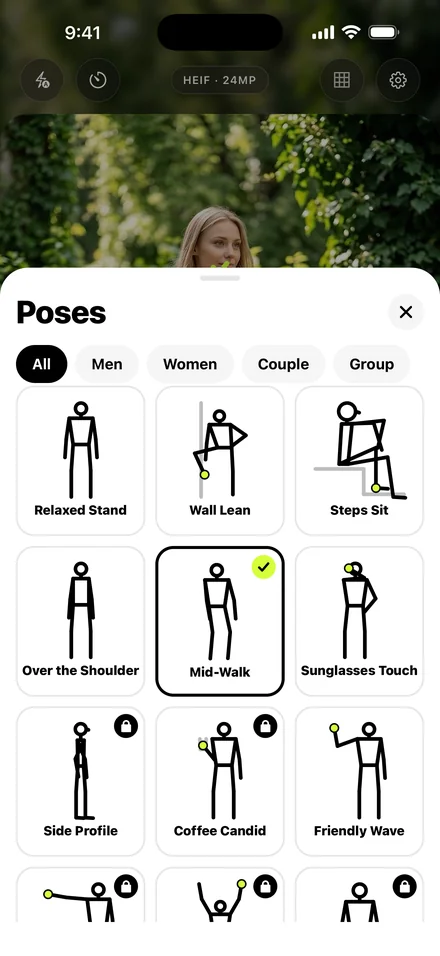 Open the camera and pick a pose.60+ poses for solo, couples, groups and seated shots.
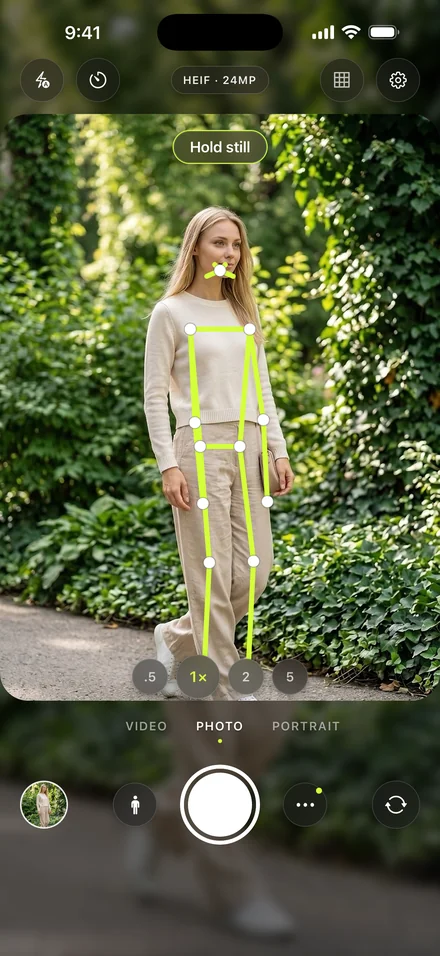 Match the guide; it shoots when you hold still.The coach runs on your phone, live.
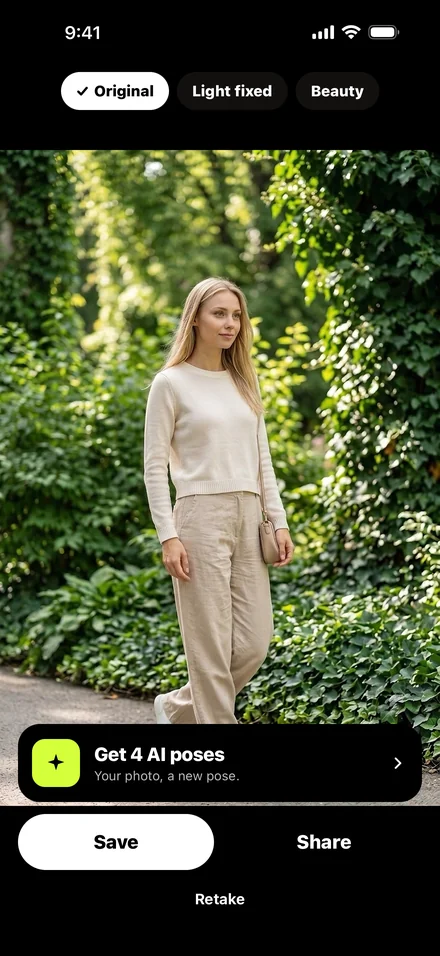 Tap AI poses on your photo, or pick one from Photos.Pose Pro picks poses that suit the spot.
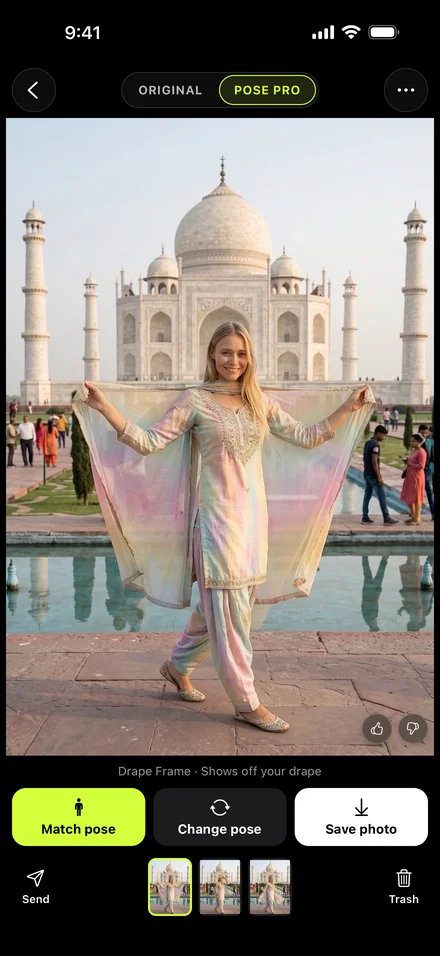 Swipe your new poses; save, send or change a pose.Same outfit, same place, a new pose.
App screens
Anywhere you go.
Travel, everyday, with friends.